

FlixFox is an Android app for movies, web series, anime, and TV content. But can you use it on an iPhone or iPad?
No. FlixFox for iOS has no native app. Its Android APK cannot run on Apple devices.
Some websites claim to offer FlixFox downloads for iPhone. Yet, these links may lead to files that do not work.
This guide explains why FlixFox does not work on iOS, how to spot false download claims, and what you can use instead. It also covers what to know before moving from Android to iPhone.
Why FlixFox Cannot Run on iPhone or iPad
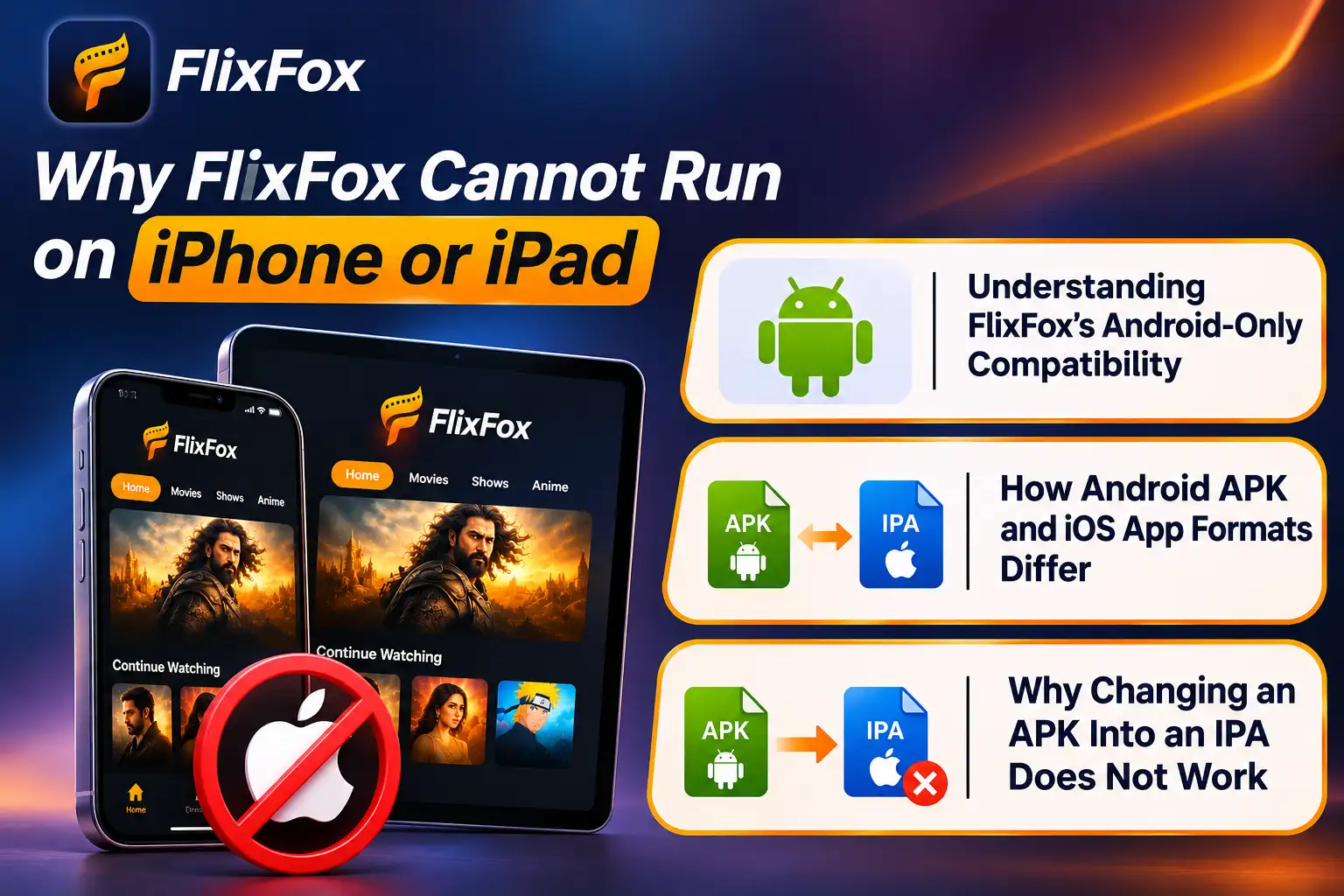
Android and iOS use different systems to run apps. FlixFox is made for Android, so its APK cannot run on an iPhone or iPad.
Understanding FlixFox's Android-Only Compatibility
FlixFox works on Android 6.0 and higher. You can use it on phones and tablets that meet its system needs. Some Android TV devices may also support the app.
iPhones run iOS, while iPads use iPadOS. Both need apps built for Apple's system.
How Android APK and iOS App Formats Differ
Android apps can come as APK files. These files hold the code and data needed to install an app.
Apple uses a different app format and setup process. Here is how the two systems compare.
| Feature | FlixFox Android APK | iOS Application |
|---|---|---|
| Operating system | Android | iOS or iPadOS |
| App format | APK | iOS app package |
| Supported devices | Android devices | Apple devices |
| Installation | Android setup process | Apple-supported method |
| FlixFox availability | Android app available | No native iOS app |
Why Changing an APK Into an IPA Does Not Work
Some websites claim they can turn an APK into an IPA file. An IPA is a file format used for iOS apps.
But changing a file name does not change how it works. An iOS app needs code built for Apple's system.
An online tool cannot turn FlixFox into a working iPhone app by changing its file type.
How to Avoid Misleading FlixFox iOS Downloads
You may find websites that offer a FlixFox iOS download. Some of these pages may share files that do not work on Apple devices.
Knowing what to check can help you avoid risky downloads.
Recognizing Unofficial FlixFox iPhone Download Pages
Some websites use labels like "FlixFox for iPhone" or "FlixFox iOS Download." These labels do not prove that the file will work.
Check the source and file type before you download anything. Be careful with pages that make claims but give no clear details about the publisher.
Understanding Fake IPA Files and Download Offers
A file named FlixFox.ipa may not come from the real developer. Anyone can change a file name.
Some websites also ask you to fill out surveys, install extra apps, or pay before you can download a file.
Avoid these offers when you cannot confirm who runs the website.
Avoiding Unknown Configuration Profiles
A profile can change settings on your iPhone. Schools and workplaces may use profiles to manage devices.
Do not install an unknown profile to get FlixFox. If you have already added one, check it in your iPhone settings and remove it if you do not need it.
Protecting Your Apple ID and Personal Information
Do not enter your Apple Account password or codes on unknown download sites. Keep your payment details private as well.
If you shared your details with a site you do not trust, change your password through Apple's official settings. Check your account for activity you do not know about.
Common FlixFox iOS Installation Fake Errors
Some websites claim you can install FlixFox on an iPhone or iPad. However, FlixFox is an Android-only app. These download claims can lead to errors or unsafe requests.
The App Does Not Appear in the App Store
You may find a website that offers a FlixFox iOS version. After downloading the file, you may look for the app on your home screen. But no FlixFox icon will appear because the Android APK has not been installed.
This happens because iOS cannot install Android APK files. Saving the file through Safari does not turn it into an iPhone app. You may find the download in your Files app, but you cannot launch FlixFox from it.
The Installation Tool Rejects the File
Some users try tools like AltStore or Sideloadly to install FlixFox. These tools work with supported iOS app files, such as IPA packages. They cannot install the FlixFox Android APK.
If you try to import an APK, the tool will reject it or show a file error. Renaming the file to IPA will not fix this issue. FlixFox would need a real iOS version to work with these tools.
Untrusted Developer or TestFlight Warnings
Some fake download sites may ask you to install an Enterprise Configuration Profile. Others may send you a TestFlight invitation that claims to offer FlixFox. These requests do not prove that an official iOS app exists.
Cancel any FlixFox installation prompt from an unknown source. A fake profile may change browser or device settings, while a false TestFlight offer may lead to a scam. Never share your Apple Account password or personal details with these websites.
What Can iPhone Users Do Instead of Using FlixFox?
You can choose other streaming services that work on iPhone and iPad. The right one depends on what you watch and how much you want to spend.
Choosing Streaming Applications Built for iOS
The Apple App Store has apps for movies, series, anime, and live TV. Look for a service that offers the content you enjoy.
Before you install an app, check its developer and supported devices. Read its details to make sure it works with your iOS version.
Comparing Content, Languages, and Subscription Plans
Each service has its own content library. Some focus on films and series, while others offer live channels or regional shows.
Look for the languages you prefer, such as Hindi, English, Tamil, or Telugu.
Compare the costs before you choose a plan. Some apps have free content with ads, while others charge a monthly or yearly fee.
Check if the plan offers HD video, offline viewing, and support for more than one device. Read the renewal and cancellation terms before you pay.
Watching Entertainment Through Official Streaming Websites
Some services let you watch videos through Safari. You can visit their official sites and check if they support browser playback.
This can help if you do not want to install another app. The option only works with services that offer a web player.
FlixFox does not have a confirmed iOS web player.
Using FlixFox on a Supported Android Device
If you want to use FlixFox, an Android phone or tablet is the direct choice. Make sure it meets the app's system needs.
You can also try the app on a Windows PC with an Android emulator. The emulator lets Windows run compatible Android apps.
For setup help, use the FlixFox Android guide or the FlixFox for PC guide.
What Android Users Should Know Before Switching to iPhone
Moving from Android to iPhone does not mean you must stop using your FlixFox account. FlixFox offers sign-in through email, Google, WhatsApp, or a phone number on its Android app.
Before changing phones, make sure you can still access the email address or phone number linked to your account. Keep your login details in a secure place so you can sign in again on a supported Android device.
You can also check your premium plan, renewal date, and device limits before you switch. FlixFox has no native iPhone app, so your account will not let you watch through iOS.
If you keep an Android phone or tablet, you can continue using FlixFox there, as long as the device supports the app.
FlixFox for iOS: Frequently Asked Questions
Can I transfer FlixFox downloads from Android to my iPhone?
FlixFox offline downloads cannot be moved to an iPhone for playback through a native FlixFox app. Some saved videos may also have limits that stop them from playing outside the app. You can keep watching them on your supported Android device.
Will my FlixFox subscription renew if I switch to an iPhone?
Yes, your FlixFox subscription may still renew after you switch phones. Changing devices does not cancel a paid plan. Check your renewal date, payment details, and cancellation terms to avoid charges you no longer want.
Can I mirror FlixFox from an Android phone to an iPhone?
An iPhone does not normally receive screen mirroring from an Android phone. Some third-party apps may offer screen sharing, but support can vary. These tools do not give you a working FlixFox app on iOS.
Can I request an iOS version from the FlixFox developer?
You can contact the FlixFox developer through an official support channel, if one is available. Share your request for an iPhone or iPad version. However, there is no confirmed plan or release date for an iOS app.
Is FlixFox in the Apple App Store?
No, FlixFox is not available in the Apple App Store. It is an Android-only app with no native version for iPhone or iPad. Avoid third-party websites that claim to offer an official FlixFox iOS download.
Do I need to jailbreak my iPhone to install it?
No. Jailbreaking your iPhone will not help you install the FlixFox Android APK. Jailbreaking can also weaken your device's security and put your data at risk. It is strongly advised against.
Will FlixFox send notifications about a future iOS release?
There is no confirmed service that sends alerts about a future FlixFox iOS release. You can check official FlixFox updates for news about new devices and app versions. Avoid signing up for alerts on unknown download websites.
Can I use FlixFox on a Mac instead of an iPhone?
FlixFox does not have a native Mac app. Some Android emulators support macOS and may run Android applications. However, FlixFox may not work with every emulator, so check its support for your Mac before installing anything.
Can I install FlixFox on iOS using sideloading tools?
No, sideloading tools such as AltStore and Sideloadly cannot install the FlixFox Android APK on an iPhone or iPad. These tools need an app built for iOS. They cannot turn Android software into an iPhone app.
Choose a Compatible Way to Watch FlixFox
FlixFox is an Android-only app, so it cannot run on an iPhone or iPad. If you want to keep using FlixFox, choose a supported Android phone or tablet. You can also check the Windows setup guide for PC access through an emulator. For iPhone viewing, use streaming services that support iOS. Avoid unknown download links that claim to offer a FlixFox iPhone app.
Ready to watch FlixFox on a supported device? Visit our Android guide to check the app details, download requirements, and setup steps before getting started today.