

Introduction
New app updates do not always fit every phone, so many Android users look for a FlixFox APK old version. This page lists past releases, Android rules, and simple steps to help you pick and install the right file for your device.
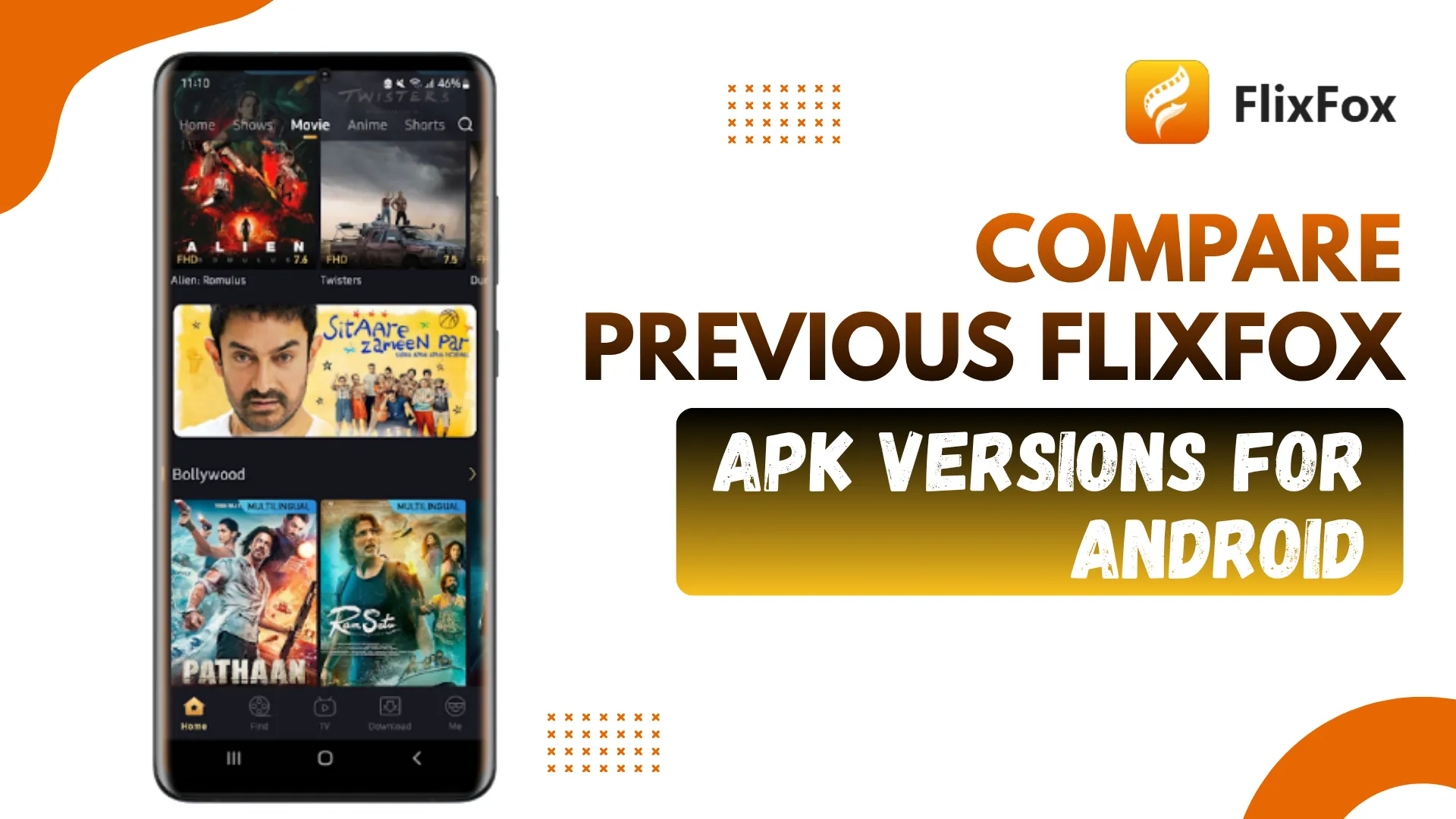
Movie thumbnails on FlixFox Android app screen.
Available FlixFox APK Old Versions
The table below shows the previous FlixFox releases, from the latest release to the oldest version in this list. All the versions listed have an Android requirement of 6.0 or above.
| Version | Release date | Android requirement |
|---|---|---|
| v2.1.3 | September 30, 2026 | Android 6.0 or above |
| v2.1.2 | September 2, 2026 | Android 6.0 or above |
| v2.1.1 | June 6, 2026 | Android 6.0 or above |
| v2.1.0 | May 1, 2026 | Android 6.0 or above |
| v2.0.9 | March 20, 2026 | Android 6.0 or above |
| v2.0.8 | February 12, 2026 | Android 6.0 or above |
| v2.0.7 | December 19, 2025 | Android 6.0 or above |
| v2.0.6 | December 3, 2025 | Android 6.0 or above |
| v2.0.5 | October 20, 2025 | Android 6.0 or above |
| v2.0.4 | August 25, 2025 | Android 6.0 or above |
| v2.0.3 | August 8, 2025 | Android 6.0 or above |
Why Do Users Prefer an Older FlixFox APK Version?
Users search for older FlixFox releases for a few common reasons. They may prefer an earlier app layout, face problems after an update or want to check whether an older release works better on their device.
Compatibility With Older Android Devices
Some users have older phones that struggle to run newer app releases. Updates can bring changes that need more device resources or newer Android features. All the FlixFox versions listed on this page require Android 6.0 or above. So, choosing an older release does not lower the Android requirement for these versions. Your phone also needs enough free storage and memory to run the app.
Problems After a New Update
A new update can change how an app works on a device. Users may notice slow loading, sudden crashes or other issues after updating FlixFox. When this happens, some users look for the version they used before. However, going back to an older release does not always fix the problem. The cause could also be the phone, internet connection or an online service.
Familiar App Interface
App updates can change menus, buttons and screen layouts. Users who are used to the earlier design may find these changes hard to follow. An older release can offer a familiar layout if those changes were made in a later update. This is why some users prefer to keep using a version they already know.
FlixFox APK Latest vs. Old Version
Look at the table below to see how the newest FlixFox release compares to older builds across key areas.
| Metric | Latest Version (v2.1.3) | Old Versions |
|---|---|---|
| App Size | 34.5 MB | Often smaller or varies by build |
| Performance | Needs more phone memory and speed | Runs smoothly on older phones |
| Features | Includes all new tools and updates | Offers basic tools only |
| Stability | Fixes past bugs and crashes | May still have unfixed bugs |
| App Layout | Uses the newest screen design | Keeps the classic menu style |
How to Choose the Right FlixFox APK Previous Version
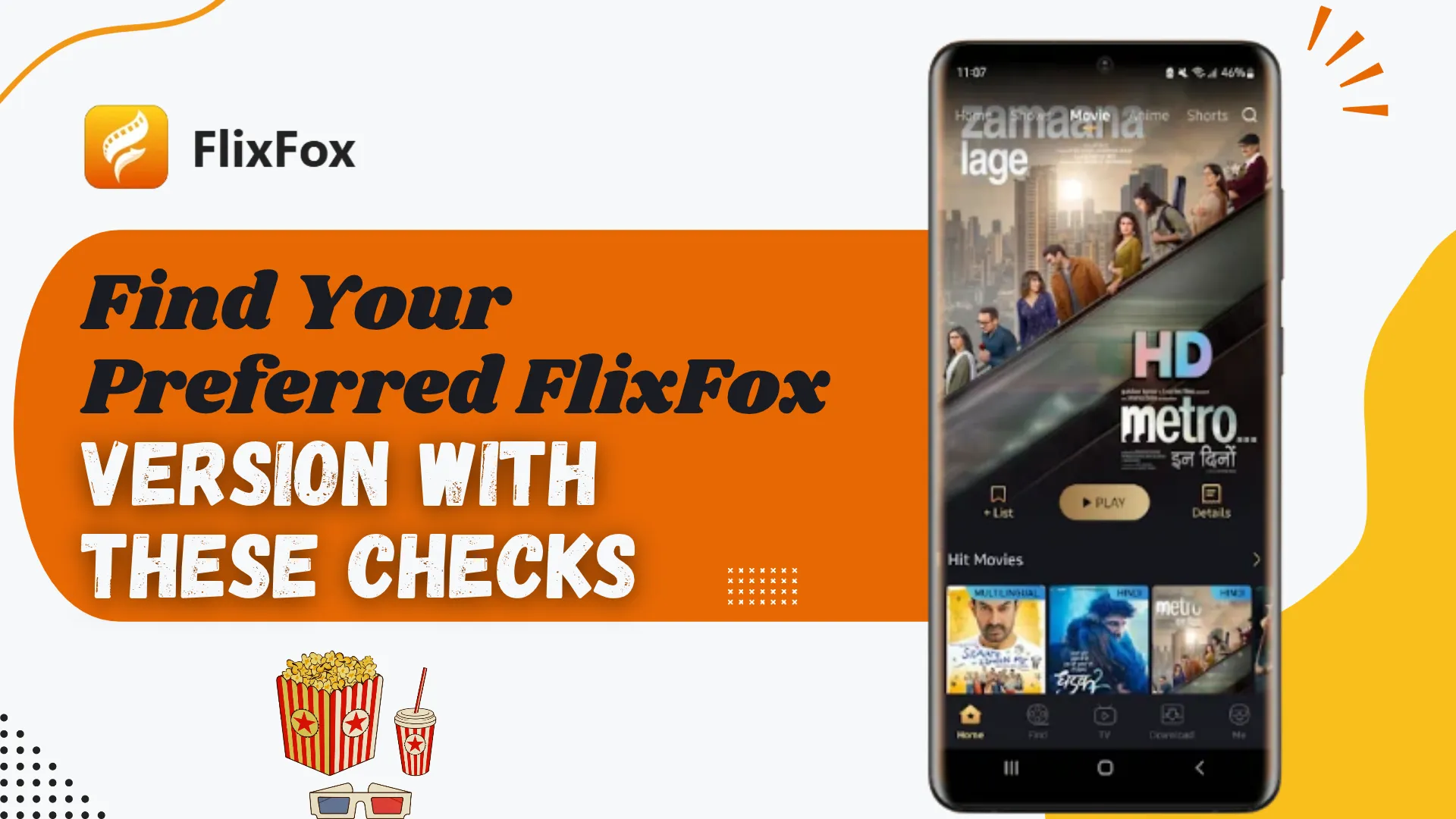
FlixFox Android app with movies and navigation tabs
Before downloading an older FlixFox release, think about why you want to switch. The right version depends on what you want to fix or which app layout you prefer.
1. Start with the version you used before
If FlixFox worked well on your phone before an update, check which version you had installed. You can use that version number as a starting point when choosing a release.
2. Compare the version numbers
Check the full version number in the download table. For example, v2.0.8 and v2.1.2 are different releases. Choose the exact version you want instead of relying on a similar number.
3. Check the release date
The release date helps you identify when a version became available. If you want to return to a version from before a particular update, use the dates to narrow down your options.
4. Read the changelog
If release notes are available, read them before making your choice. They can help you see which features or parts of the app changed between versions.
5. Choose based on your reason for switching
If you prefer a familiar layout, look for a release that had the design you liked. If you are trying to fix an issue, consider which version you used before the problem started. The oldest release is not always the right choice.
Is It Safe to Download an Older FlixFox APK?
Before installing an older FlixFox APK, check where the file comes from. Use the official FlixFox website if it offers the version you need. After downloading, scan the APK with a trusted mobile security app. This can help find known threats, but it cannot guarantee that the file is safe.
Check the permissions Android asks you to allow. If the app requests access that does not match its features, do not allow it without a clear reason. Avoid modified APKs that promise unlocked Premium features. These files are changed by other people and can contain harmful code or put your personal data at risk.
Older releases may not have the security fixes found in newer versions. If you want the latest fixes and support, choose the latest release.
How to Install an Older FlixFox APK on Android
Installing an older FlixFox version over a newer one can cause an App Not Installed error. This can happen when the APK files have different digital signatures or Android blocks the downgrade. To avoid these issues, remove the current version before installing the older APK.
Before you uninstall FlixFox, check your watch history and downloads. Save anything important that you want to keep. Then follow these steps:
- Uninstall the Current Version: Open your phone's Settings and find FlixFox in the app list. Tap Uninstall to remove the current version.
- Choose the Older Version: Select the FlixFox release you want. Check its version number and Android requirement.
- Download the APK File: Open the download link for your chosen release. Wait for the file to finish downloading.
- Open the Downloads Folder: Find the APK file in your phone's Downloads folder and tap it to start the setup.
- Allow Installation: If Android blocks the setup, open the security prompt and allow your browser or file manager to install apps from that source. Only allow this if you trust the source.
- Complete the Installation: Follow the on-screen steps. Once the app is installed, open FlixFox and check that it works.
If the APK still does not install, check your phone's Android version and free storage. The versions in this guide require Android 6.0 or above. Avoid APK files from unknown sources.
What Happens to Watch History and Downloads?
Before you switch to an older build, think about your saved files. Android forces you to delete the newer app before you install an old file. This means all offline videos stored inside the app will be erased. You must download those shows again after you set up the old version.
Your watch history is easy to keep safe. Log in to your FlixFox account before you remove the current app. This sends your watch list to your profile online. Once you install the old release and sign back in, your saved shows will load right back up.
Common Problems When Installing FlixFox APK Old Version
An older FlixFox release may not install or run as expected. The problem can be related to the APK file, an existing app version or your phone. Here are some common issues and ways to check them.
FlixFox APK Is Not Installing
Low storage can stop an APK from installing. Free up some space and try again. If the download was interrupted, delete the incomplete file and download it again.
App Not Installed Error
This error can occur when the new APK conflicts with the version already on your phone. It can also happen if the files have different app signatures. Check whether you are trying to install a different release over an existing one.
Older Version Keeps Crashing
If FlixFox closes soon after opening, restart your phone and try again. If the problem continues, the older release may not work well with your device or the app's online services.
App Stops Working After Downgrading
Some older releases may no longer work with the services they depend on. If the app stops working after a downgrade, try a newer supported release. Installing the same old version again may not fix the issue.
Frequently Asked Questions
1. Can I Use an Older FlixFox APK Version After a New Update Is Released?
Yes, if the older version still works with your phone and the app's online services. However, some features may stop working if those services change.
2. Does FlixFox APK Support Older Android Phones?
The versions covered in this guide require Android 6.0 or above. Phones running older Android versions do not meet this requirement.
3. Why Is an Older FlixFox APK Version Missing Some Features?
Older releases do not include every change made in later updates. Some features, fixes and layout changes are only available in newer versions.
4. Can I Switch Between Different FlixFox APK Versions?
Yes, but Android may block the switch because of version or signature conflicts. You may need to remove the installed app before switching, which can delete its local data.
5. Do Older FlixFox APK Versions Still Receive Updates?
Older versions do not receive every new feature or fix automatically. To use the latest changes, you need to install a newer release.
6. Can I Save My Watch History When Installing an Older Version?
If you delete your current app before you install an old build, your watch history can disappear. Sign in to your account or save a backup file first to keep your history safe.
7. Why Do Some Links Direct Me to the Latest Version Instead of the Old Build?
Official sites push visitors to get the newest release for bug fixes and security. To find an older build, look in the archive or past release section on the main page.
8. Will an Older Version Help If My Device Runs Out of Storage Space?
No, old APK files use about the same space as new ones. If your phone storage is full, an old build will not fix it. You must clear out space before you download.
9. Will an Old Version Force Me to Update?
Some older builds may show a prompt asking you to get the latest release when you open certain videos or live streams. If the app forces an update, you will need to install the new file to keep watching.
10. Are Old Versions Safe From Malware?
Old APK files found on trusted archive sites are usually safe, but they lack the latest security updates. Always grab files from the official source to lower security risks.
11. Can I Keep Both the New and Old Versions Installed at the Same Time?
No, you cannot. Android blocks you from having two copies of the same app because of package name conflicts. You must uninstall one version before you can put the other on your phone.
Conclusion
An older FlixFox release may be worth checking if a recent update does not suit your phone or you prefer an earlier app layout. Still, the oldest version is not always the right choice. Check the release number, date, Android requirement and file details before downloading.
Use the official website, avoid modified APK files and remember that older releases may miss later fixes. Choose the version that fits your device and needs, and keep a backup before making any change to an installed app.